Table of Contents
Introduction
An iptv encoder box is one of the most important pieces of hardware in any professional or semi-professional broadcast setup. Whether you’re distributing live video across a hotel network, broadcasting a church service, running a corporate IPTV system, or launching a live streaming channel, the encoder box sits at the heart of the workflow — converting raw video signals into compressed, network-ready streams that any device can receive and play.
In 2026, the market for iptv encoder box hardware has matured significantly. Options now range from compact single-channel devices suitable for small venues to rack-mounted multi-channel encoders built for large-scale deployments. Understanding the technology, the key specifications, and the right use cases helps you make a confident purchasing decision.
This guide covers everything: how an iptv encoder box works, what specifications matter, which features are worth paying for, how to set one up, and answers to the most common questions buyers ask.
What Is an IPTV Encoder Box and How Does It Work
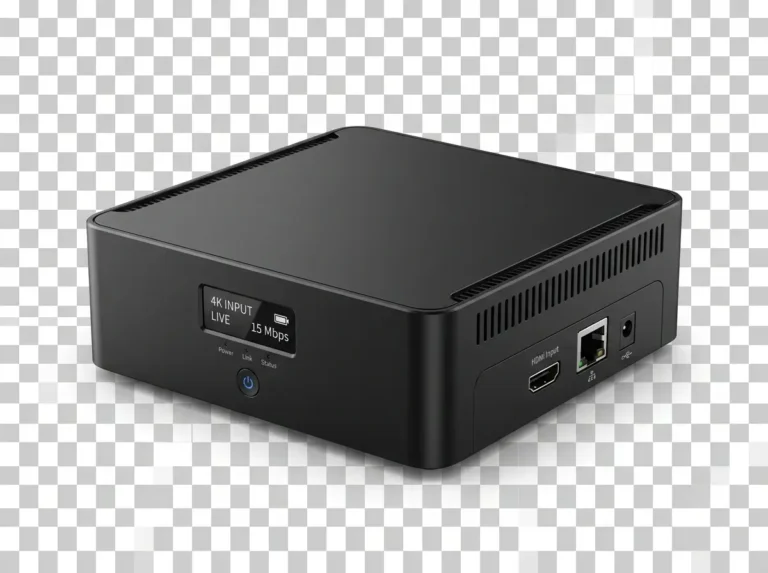
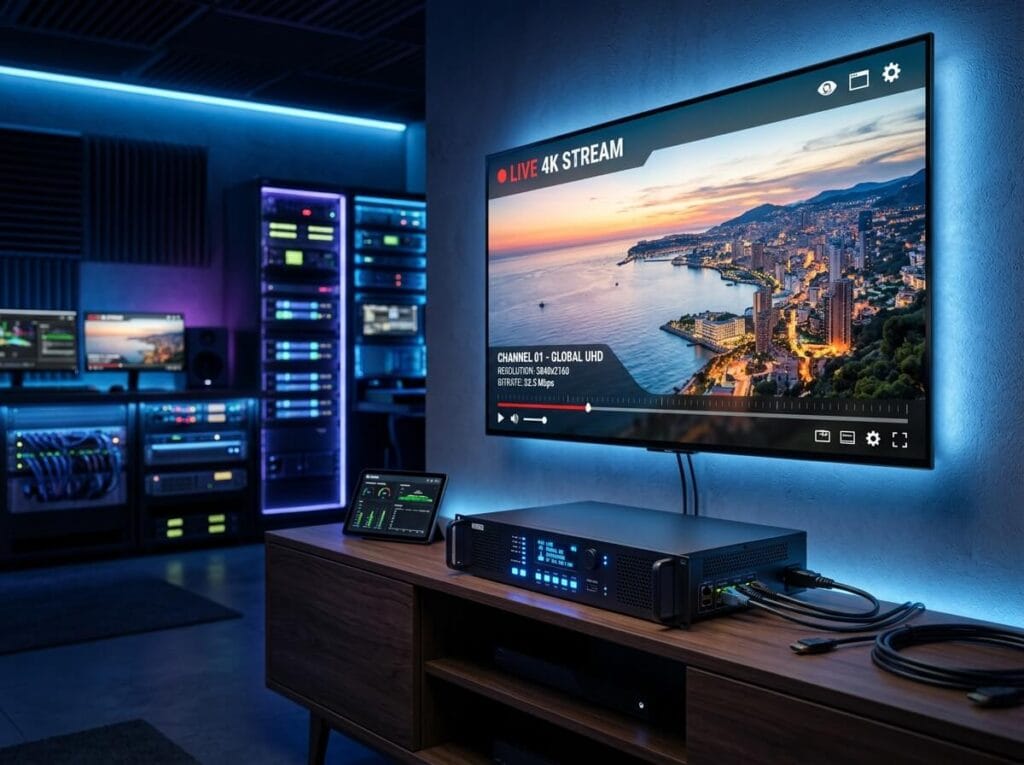
An iptv encoder box is a dedicated hardware device that takes an incoming video signal — typically from an HDMI, SDI, or component source — and encodes it into a compressed digital format suitable for streaming over a network or the internet.
The encoding process involves two core tasks. First, the device compresses the raw video using a codec — H.264 (AVC) and H.265 (HEVC) are the most widely used formats in 2026. Second, it packages that compressed stream into a transport protocol such as RTSP, RTMP, HLS, or UDP for delivery to a media server, CDN, or directly to end-user devices.
Unlike software encoding done on a PC or laptop, a dedicated iptv encoder box uses purpose-built hardware chips designed specifically for real-time video compression. This hardware acceleration produces lower latency, more consistent output quality, and significantly less power consumption compared to CPU-based software encoding — making it the preferred choice for permanent installations and professional deployments.
The result is a reliable, always-on encoding device that can run 24/7 without the instability risks associated with general-purpose computers.
Key Specifications of an IPTV Encoder Box
When comparing iptv encoder box models, several technical specifications determine real-world performance and suitability for your use case.
Supported input interfaces define what video sources the encoder can accept. HDMI is the universal standard for consumer and prosumer equipment. SDI (Serial Digital Interface) inputs are essential for professional broadcast cameras and long cable runs. Some iptv-encoder box models support both, giving maximum flexibility.
Output codec support is critical for compatibility. H.264 remains the most universally supported codec across IPTV players and devices. H.265/HEVC offers roughly double the compression efficiency — meaning higher quality at lower bitrates — but requires more capable playback devices. The best iptv-encoder box hardware supports both, letting you choose based on your audience’s devices.
Output resolution and frame rate determine the visual quality ceiling. Look for support up to 1080p60 at minimum; premium iptv encoder box models now support 4K UHD at 30 or 60 frames per second for high-end deployments.
Streaming protocols supported by the device must match your distribution infrastructure. RTMP is standard for pushing to media servers and CDNs. HLS suits browser-based and mobile delivery. UDP multicast is essential for large-scale IPTV networks within a local area. A versatile iptv encoder box supports multiple output protocols simultaneously.
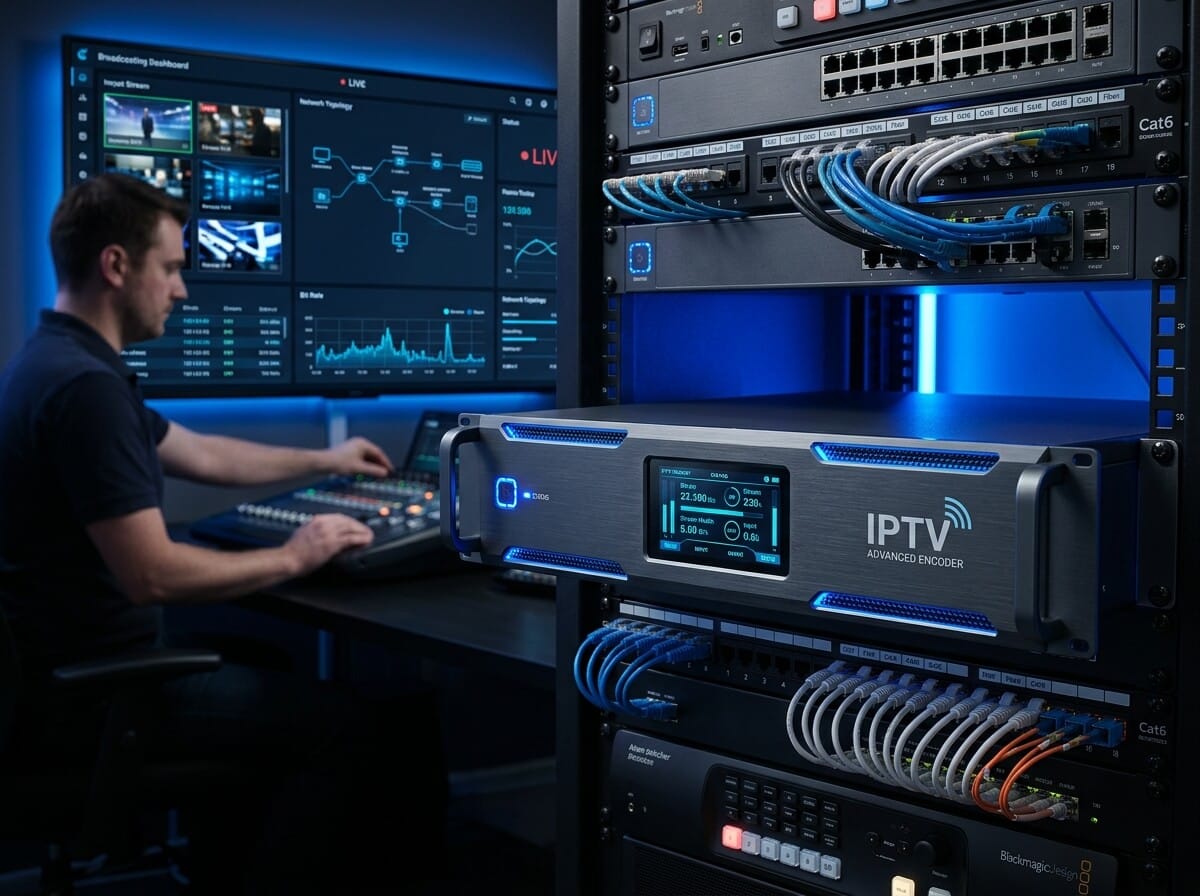
Number of channels matters for multi-source deployments. Single-channel encoders handle one video source; multi-channel rack units can encode 4, 8, or 16 simultaneous sources — ideal for hotels, stadiums, or campus IPTV networks distributing many channels at once.
Latency is particularly important for live applications. Glass-to-glass latency (the delay between capture and playback) in a quality iptv-encoder box ranges from under one second for low-latency protocols to a few seconds for HLS-based delivery. Match the latency profile to your use case.
IPTV Encoder Box Use Cases: Who Needs One
The iptv encoder box serves a broad range of professional and institutional applications. Understanding where it fits helps confirm whether hardware encoding is the right solution for your specific need.
Hotel and hospitality IPTV systems are among the most common deployments. A central rack of encoder hardware takes feeds from satellite receivers, local broadcast antennas, or custom content sources and distributes them as IPTV streams to guest room televisions across the property — all over the existing network infrastructure.
Corporate and enterprise video distribution uses iptv encoder box hardware to deliver boardroom presentations, CEO announcements, training sessions, and live events to screens throughout an office building or campus network without requiring satellite dishes or cable infrastructure.
Houses of worship increasingly rely on encoder hardware to live-stream services simultaneously to large screens within the venue, external IPTV systems for remote congregants, and public streaming platforms.
Education institutions use multi-channel iptv encoder box systems to distribute educational channels, lecture streams, and campus news across classroom displays and student devices.
Broadcast and production facilities use high-end encoder hardware as the contribution layer in larger broadcast chains — encoding source feeds for transport to production systems, remote studios, or cloud platforms.
Each of these scenarios benefits from the reliability, low latency, and 24/7 operational stability that dedicated iptv encoder box hardware provides over software-based alternatives.
How to Set Up an IPTV Encoder Box
Setting up an iptv encoder box for the first time follows a logical sequence. While exact steps vary by model and manufacturer, the core workflow is consistent.
Step 1 — Connect your video source. Use an HDMI or SDI cable to connect your camera, set-top box, satellite receiver, or other video source to the input port of the iptv encoder box. Confirm the device detects a valid signal via the status indicator or web interface.
Step 2 — Access the management interface. Most iptv encoder box models expose a web-based configuration panel accessible via a browser on the same local network. Connect the encoder to your network via Ethernet and navigate to its IP address to open the dashboard.
Step 3 — Configure encoding parameters. Set your desired output codec (H.264 or H.265), resolution, bitrate, and frame rate. For HD streaming over a local network, a bitrate of 4–8 Mbps is typical for H.264. For internet delivery where bandwidth is limited, lower bitrates with H.265 can maintain comparable quality.
Step 4 — Set the output protocol and destination. Choose your streaming protocol — RTMP for a media server or CDN push, UDP multicast for a local IPTV network, or HLS for browser-compatible delivery. Enter the destination server address, port, and any required stream keys or credentials.
Step 5 — Test and monitor. Start the stream and verify reception on a target playback device. Monitor the encoder’s dashboard for dropped frames, bitrate stability, and temperature during an extended test run before going live permanently.
Most quality iptv encoder box models also support SNMP monitoring integration for inclusion in broader network management systems in professional deployments.
IPTV Encoder Box — Frequently Asked Questions
What is the difference between an iptv encoder box and a capture card?
A capture card sends raw video to a computer for software encoding. An iptv encoder box performs the entire encoding process internally using dedicated hardware chips, producing a ready-to-stream output without needing a separate computer.
Does an iptv encoder box work with any IPTV platform?
Yes, provided the encoder supports the protocol required by your platform. RTMP is the most universally accepted ingest protocol for media servers and cloud streaming platforms. Always confirm protocol compatibility before purchasing.
Can one iptv encoder box stream to multiple destinations simultaneously?
Many models support simultaneous multi-output streaming — for example, pushing an RTMP stream to a media server while also sending a UDP multicast to a local network. Check the specifications of your chosen model for the number and types of simultaneous outputs supported.
What bitrate should I use for IPTV streaming?
For HD (1080p) H.264 streams on a local network, 4–8 Mbps delivers excellent quality. For internet delivery, 2–4 Mbps with H.264 or 1.5–3 Mbps with H.265 is typical. 4K streams generally require 15–25 Mbps for good visual fidelity.
How long can an iptv encoder box run continuously?
Quality hardware encoders are designed for 24/7 continuous operation. They include passive or active cooling systems to manage heat over long run times. Always ensure adequate ventilation in the installation environment.
Is an iptv encoder box difficult to configure?
Most modern models provide a straightforward web-based interface designed for non-engineers. Basic setup — connecting a source, setting a codec and bitrate, and pointing the output to a destination — typically takes under 30 minutes for a first-time user.
Conclusion: Choosing the Right IPTV Encoder Box for Your Setup
The right iptv encoder box depends on three things: your input sources, your distribution infrastructure, and your scale requirements. A single-channel HDMI encoder suits a small venue or single-camera live stream. A multi-channel rack unit is the correct choice for hotel IPTV systems, campus networks, or broadcast facilities handling many simultaneous feeds.
Prioritize codec flexibility (H.264 and H.265 support), protocol versatility, low latency for live applications, and build quality for continuous operation. Test the management interface before deployment and confirm compatibility with your downstream IPTV platform or media server.
In 2026, hardware iptv encoder box technology is more accessible and capable than ever. With the right device in place, your entire video distribution workflow becomes more reliable, more scalable, and easier to manage.